Dulo TV
Dulo TV
Watching habits have moved to the phone, and this Android entertainment app is built for exactly that shift: movies and TV shows organised into clear sections, with trailers, ratings, genre labels, release details, search, and a favorites list gathered into one light mobile experience that takes moments to learn.
Explore Dulo TV
Most viewers arrive with a simple wish, to find something worth watching without wading through clutter. Browsing here is deliberately straightforward: open a section, scan popular and trending titles, check a rating, preview a trailer, and save the promising ones for later, all from a clean interface designed for everyday Android phones.
The sections below cover the whole picture in order: what the app is, how it works, its main features, the movies and TV shows experience, trailers and discovery tools, ads and data safety in plain language, developer and support details, safe download and installation steps, common problems with their fixes, an honest pros and cons list, and answers to the questions readers ask most.
App Information
App details- App Name
- Dulo TV
- Developer
- COGNITECH SERVICES
- Package Name
- com.duloai.dulo
- Category
- Entertainment
- File Size
- 555.88 KB
- Version
- 1.0.3
- Required Android
- 7.0 and up
- File Type
- APKs
- Platform
- Android
- Total Downloads
- 153,680
- Total Reviews
- 3,487
- Ratings
- 4.4/5
- Age Rating
- 12+
App Screenshots
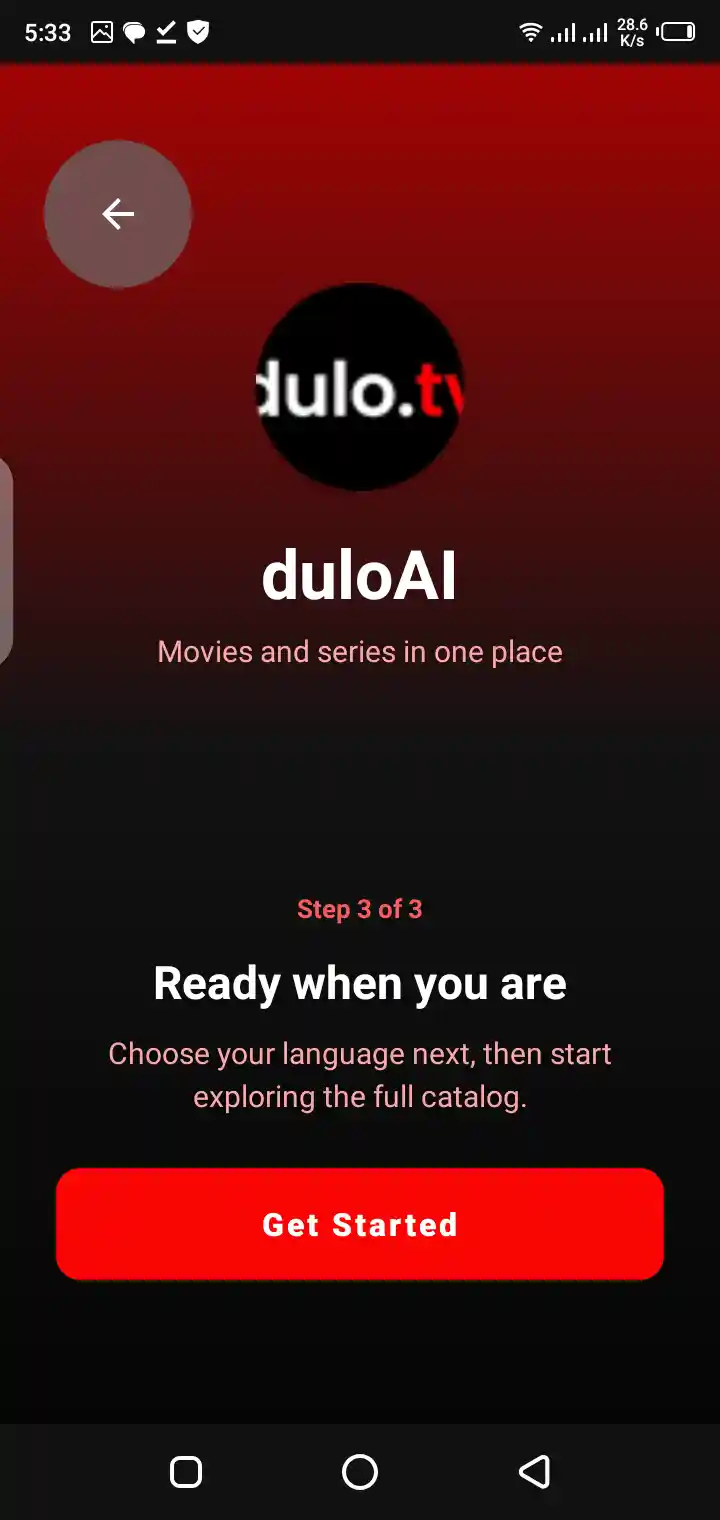
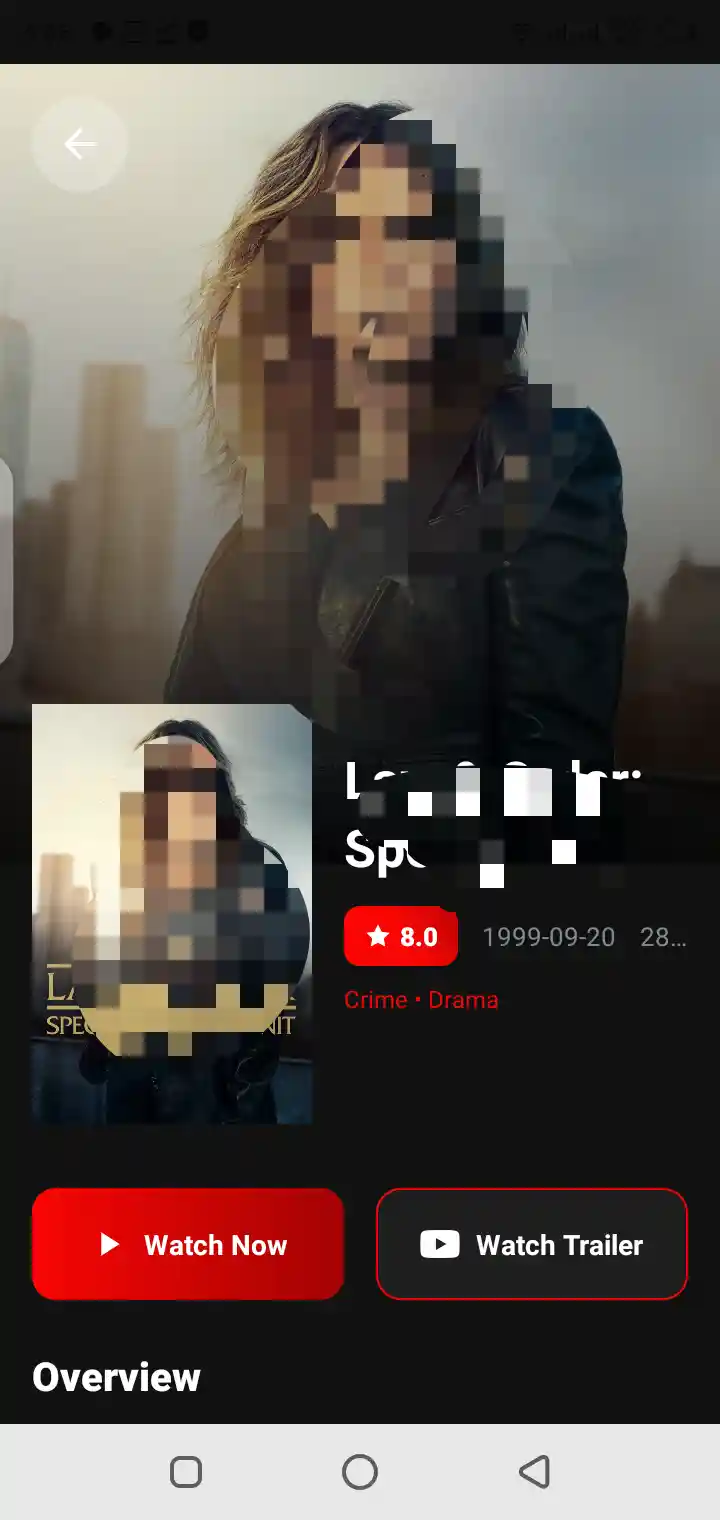
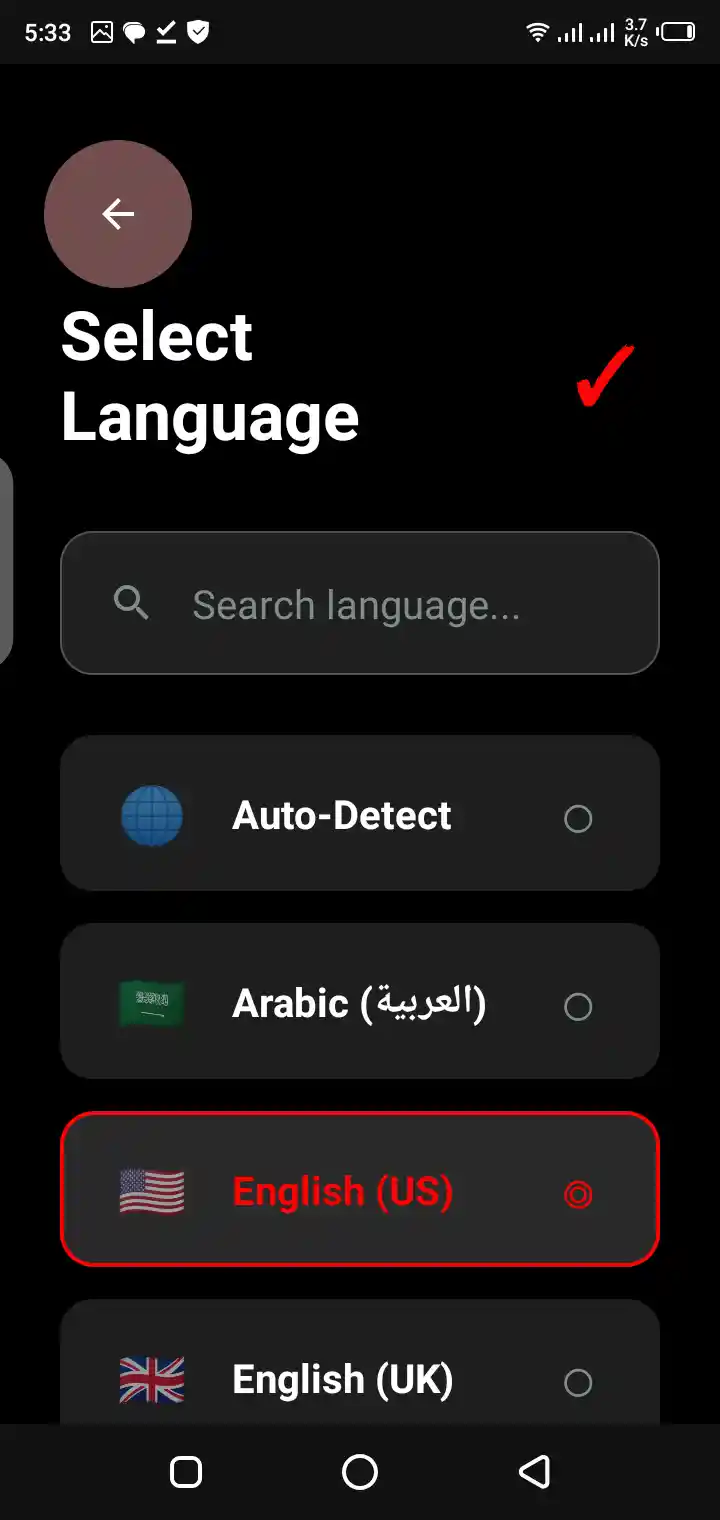
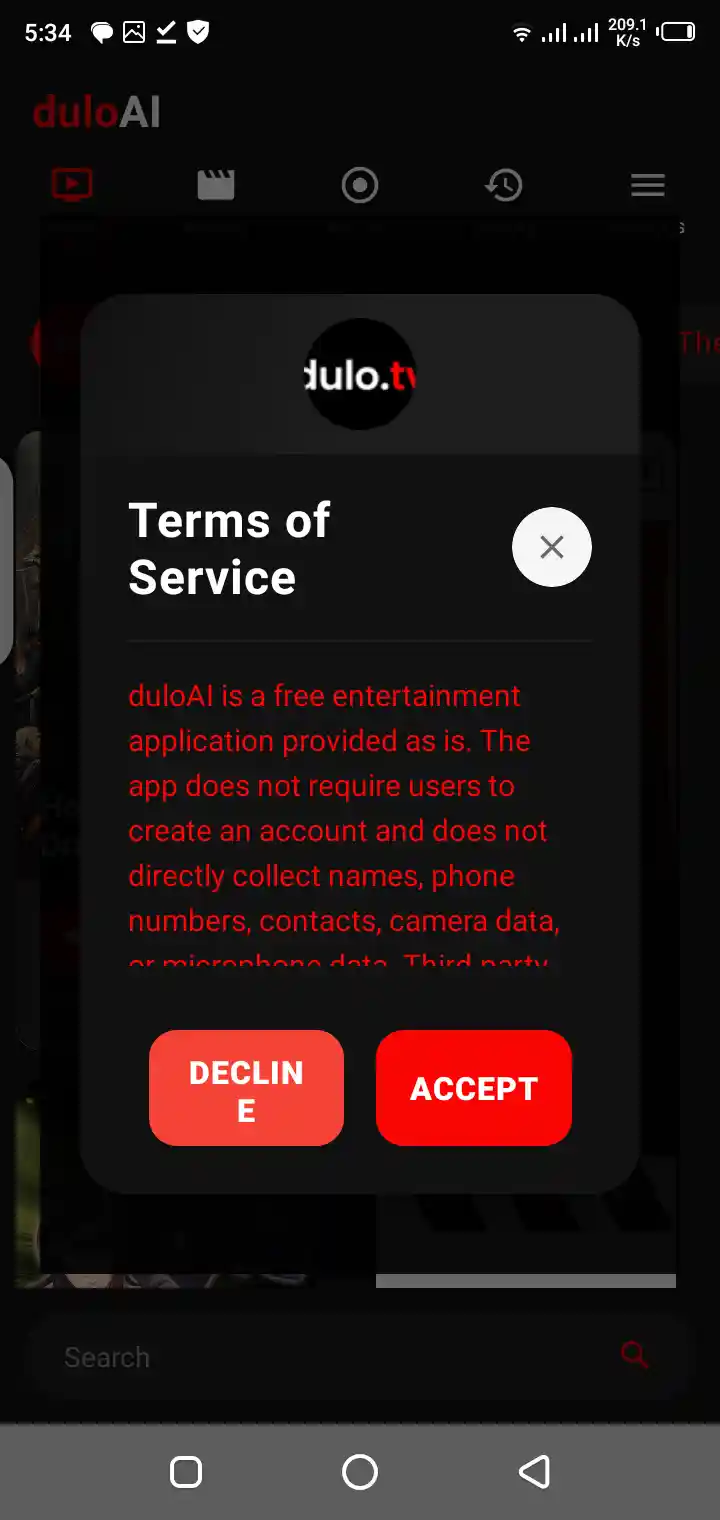
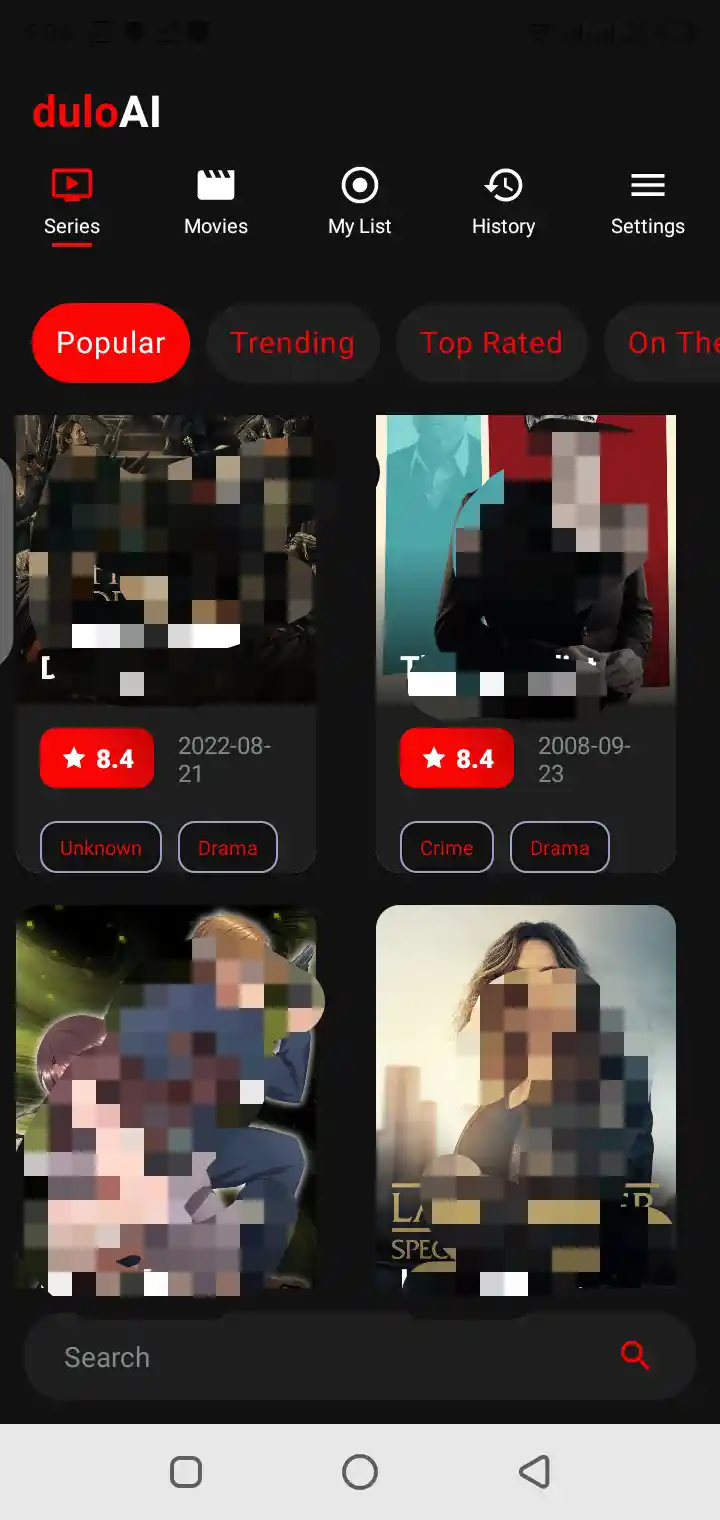
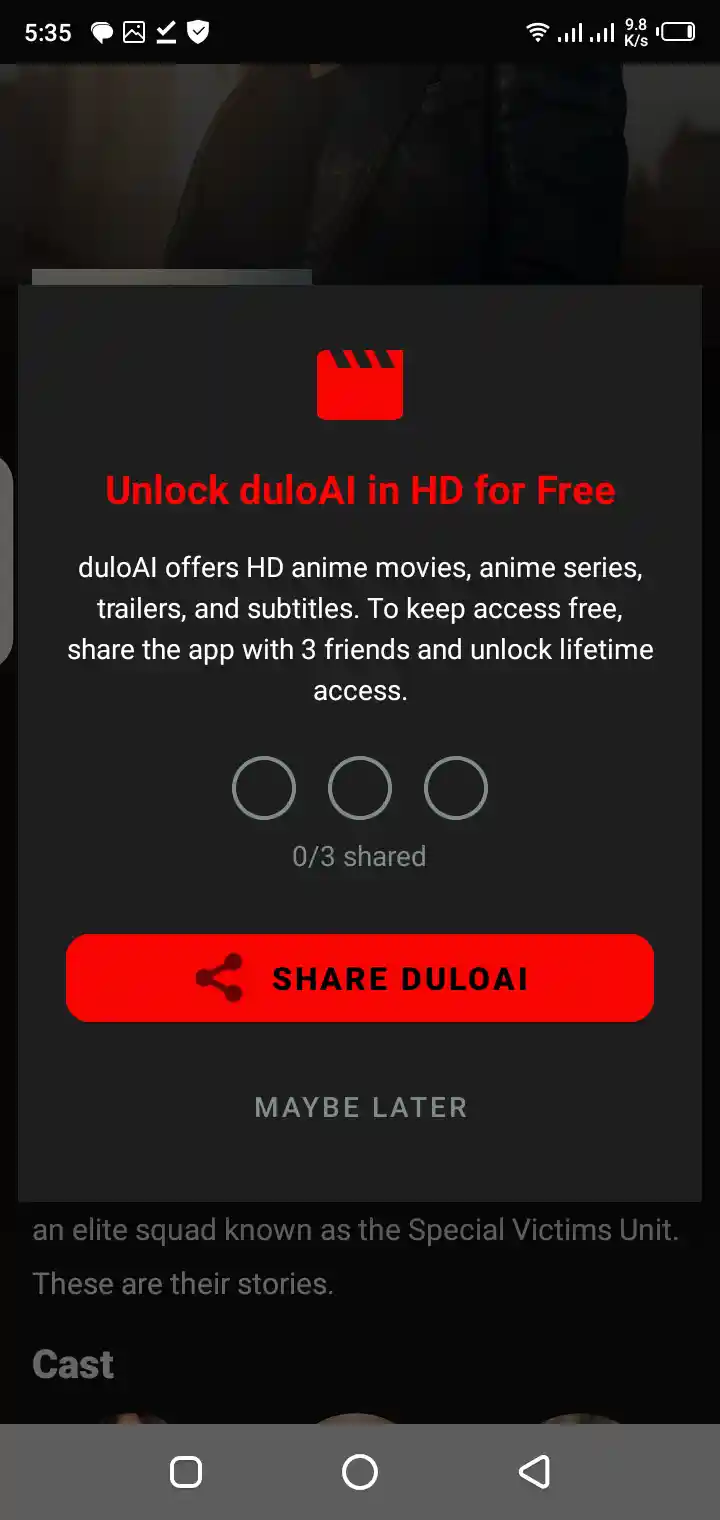
What Is Dulo TV?
At its core, this is a streaming style entertainment app for Android that organises movies and TV shows into browsable sections, pairing each title with the details viewers actually use to decide: artwork, a short description, ratings, genre labels, and trailer access where a trailer is available.
In simple words, Dulo TV can help users:
Dulo TV is useful for users who want a simple Android app focused on movies and TV shows.
- Browse movies
- Browse TV shows
- Watch available trailers
- Explore popular titles
- Check trending entertainment
- View top-rated titles
- Check ratings and genres
- View release information
- Search for movies and shows
- Save favorite titles
- Use a clean Android interface
- Enjoy a streaming-style entertainment experience
How Dulo TV Works on Android
The app works as a guided catalogue on your phone. You open a section or search for a title, land on a detail page that gathers everything known about that movie or show, preview what is available, and keep the titles you like in a favorites list that the app remembers on the device.
A normal user flow may look like this:
Dulo TV is built for easy entertainment browsing and streaming-style use on Android devices.
- 1
Download Dulo TV APK from a trusted source.
- 2
Install it on an Android device.
- 3
Open the app.
- 4
Browse movies and TV shows.
- 5
Explore popular, trending, and top-rated titles.
- 6
Check ratings, genres, and release details.
- 7
Watch available trailers.
- 8
Use search to find a title quickly.
- 9
Save favorite movies or shows.
- 10
Keep the app updated when a trusted update is available.
Main Features of Dulo TV
The feature set is built around one job: shortening the distance between opening the app and choosing something to watch. Discovery rows, title details, trailers, search, and favorites each handle one part of that job, and none of them asks for a complicated setup before it starts helping.
Main features include:
These features make Dulo TV useful for users who want a lightweight entertainment app for movies and TV shows.
- Movies section
- TV shows section
- Popular titles
- Trending titles
- Top-rated entertainment
- Currently playing titles
- Movie details
- TV show details
- Ratings
- Genres
- Release information
- Trailer watching where available
- Search feature
- Favorites list
- Clean interface
- Ads-supported use
- Android APK installation
- Data encrypted in transit
Movies Streaming Experience
The movies side of the app is organised for quick decisions: browse by popularity, trend, or rating, open a title page to read the essentials in seconds, and use the trailer as the final audition before a film earns a place on your evening list.
The movies section may help users:
This makes Dulo TV useful for movie fans who want a simple Android entertainment app.
- Explore popular films
- Check trending movies
- Browse top-rated titles
- View movie details
- Check ratings
- Explore genres
- Watch available trailers
- Save favorite movies
TV Shows Streaming Experience
The TV shows side suits a different rhythm, the returning series you follow across weeks. Show pages gather series level details in one place, so checking what a show is about, how it is rated, and whether it belongs on your favorites list takes a single visit rather than a search across the web.
The TV shows section may help users:
TV show users can use Dulo TV as a simple entertainment companion for shows and series-style content.
- Browse popular shows
- Check trending shows
- View show details
- Explore genres
- Check ratings
- View release information
- Watch available trailers
- Save favorite shows
Popular Titles
Popular titles answer the question every viewer asks friends: what is everyone else watching? This section explains how popularity is reflected in the app and how to use it as a starting shelf, while remembering that popular and personally right are related but not identical ideas.
Popular titles may help users:
Popular sections can make entertainment browsing faster.
- Find widely watched movies
- Browse well-known TV shows
- Save time choosing content
- Explore entertainment categories
- Check title ratings
- Watch available trailers
- Compare movie and show details
- Build a favorites list
Trending Movies and Shows
Trending rows capture the present moment: the movies and shows gathering attention right now, this week, in conversation and in searches. They are the fastest way to join what everyone will be discussing tomorrow, provided you still run each candidate through your own rating and trailer check.
Trending sections may help users:
Trending content helps users stay connected with active entertainment interest.
- Find current entertainment titles
- Follow movie trends
- Explore TV show trends
- Check titles gaining attention
- Browse new interest areas
- Save trending favorites
- Watch available trailers
- Use search for related titles
Top-Rated Entertainment
Top rated titles filter the catalogue by audience judgement, surfacing the movies and shows that viewers before you rated most strongly. Treat the rating as a quality signal with a history behind it, and pair it with genre fit, because the best rated title in a genre you dislike is still the wrong evening.
Top-rated sections may help users:
Ratings are useful for users who do not want to waste time choosing random titles.
- Find highly rated movies
- Explore strong TV shows
- Compare entertainment quality
- Check audience interest
- Browse reliable title options
- Save better picks
- Watch trailers before choosing
- Use ratings as a guide
Currently Playing Titles
Currently playing titles are the ones in active circulation: recent releases and shows with fresh attention, the shelf that changes fastest in the whole app. It suits viewers who like their entertainment current and who enjoy watching what the moment is watching.
Currently playing content may help users:
This gives Dulo TV a fresh entertainment feel.
- Find active movies
- Browse recent entertainment
- Check current title interest
- Explore latest categories
- Compare ratings
- Watch available trailers
- Save titles for later
- Follow entertainment updates
Movie and TV Show Details
A title detail page is where a poster becomes a decision. This section explains what each element on the page is telling you, from the description and genre labels to ratings and release information, and how to read the whole page in under a minute.
Details may include:
These details help users make better entertainment choices.
- Title name
- Rating
- Genre
- Release information
- Trailer availability
- Entertainment category
- Show or movie type
- Related title context
Ratings and Genres
Ratings tell you how a title landed with audiences; genres tell you what kind of experience it promises. Used together they form the fastest filter in the app: suitability and mood from the genre, quality evidence from the rating, decision made before the trailer even loads.
Ratings and genres may help users:
This improves the app’s user experience.
- Compare movies
- Compare TV shows
- Choose titles faster
- Avoid random browsing
- Understand content type
- Build better favorites
- Find similar entertainment
- Save time
Release Information
Release information places a title in time: brand new, a recent season, or a catalogue classic. That context quietly shapes expectations about picture quality, cultural moment, and whether friends will have seen it, all of which matter when you are choosing for a group.
Release information may help users:
Release details are useful for entertainment planning.
- Check title age
- Browse newer content
- Understand movie timing
- Follow TV show activity
- Compare older and newer titles
- Find current entertainment
- Save relevant favorites
- Choose titles more easily
Trailer Watching
Trailers are the honest preview: two minutes that reveal tone, pace, and production feel more truthfully than any poster or score. This section explains where trailers live on a title page, when they are unavailable, and how to use them as auditions between your final candidates.
Trailer watching may help users:
Trailers make Dulo TV more helpful for users who like to preview content first.
- Preview movie style
- Understand show tone
- Check visual quality
- Decide faster
- Avoid unwanted titles
- Compare entertainment options
- Share interest with others
- Build a favorites list
Search Feature
Search serves the viewers who arrive knowing what they want. Type a title, or even part of one, and go straight to its page instead of scrolling shelves. This section covers how search behaves, what to do when spelling lets you down, and why one distinctive word usually finds the title fastest.
Search may help users:
Search makes Dulo TV easier to use.
- Find movies faster
- Find TV shows faster
- Search title names
- Avoid long browsing
- Check ratings quickly
- View title details
- Watch available trailers
- Save favorites
Favorites List
Favorites are your personal shortlist, stored on the device: the titles that earned a maybe and deserve a second look at decision time. Used with a little discipline, the list replaces memory and endless re scrolling with a short shelf you built yourself, at the exact moment you need it.
Favorites may help users:
Favorites are useful for regular entertainment users.
- Save movies
- Save TV shows
- Build a personal list
- Remember titles
- Organize entertainment interest
- Return later
- Compare saved titles
- Avoid searching again
Clean Interface
The interface keeps its promises small and keeps them: sections are labelled in plain words, title pages follow one consistent layout, and the path from opening the app to reading about a film never passes through clutter. That consistency is why new users feel oriented within a single session.
A clean interface may help with:
Simple design helps casual users enjoy the app more easily.
- Easier browsing
- Faster searching
- Better title viewing
- Simple navigation
- Better trailer access
- Easier favorites management
- Clear ratings and genres
- Better mobile experience
Streaming-Style Entertainment Access
Streaming style access means the experience is organised like the viewing services people already know: rows of titles, rich detail pages, trailers, and personal lists, delivered in a light app that runs comfortably on ordinary Android hardware and modest connections.
Streaming-style access may help users:
This makes Dulo TV helpful for movie and TV show fans.
- Explore movies
- Explore TV shows
- Check titles before watching
- Watch available trailers
- Save favorites
- Search quickly
- Browse trending content
- Use Android for entertainment
Ads in Dulo TV
The app contains ads, and this section is straightforward about where they appear and what they are: short interruptions that support a free app, served by advertising networks rather than chosen by the app itself, and separate from the movies and shows they sit between.
Ads may appear as:
Ads are common in free Android apps, but users should avoid suspicious ad clicks.
- Banner ads
- Full-screen ads
- Native ads
- Interstitial ads
- App promotion ads
- Video ads
- Sponsored placements
- External links
Why Dulo TV Contains Ads
Advertising is the business model that keeps the app free to download and use: advertisers pay for attention, the developer is funded without charging viewers, and the catalogue stays open to everyone. This section explains the exchange plainly, including what it means for your data and your patience.
Ads may support:
Users should expect ads because the app listing clearly says it contains ads.
- App maintenance
- Developer work
- Bug fixes
- Server costs
- Interface improvements
- Feature updates
- Free access
- Ongoing support
Data Safety and Privacy
Data safety deserves plain language rather than fine print. This section summarises the app's declared data practices, the kinds of information involved in normal use, and the difference between data the app needs to function and data used for advertising, so you can decide with your eyes open.
Data safety points include:
This is important for users who care about privacy.
- App activity may be collected
- App info and performance may be collected
- Device or other IDs may be collected
- These data types may be shared
- Data is encrypted in transit
- Privacy policy should be reviewed
- App behavior can vary by region and use
- Users should avoid fake APK files
Data Collected Explained
Collection, in the app's declared practices, covers the ordinary signals a mobile app processes: app activity, app information and performance data, and device or other identifiers. This section explains what each category means in everyday terms and why apps collect them at all.
These data types may relate to:
Users should review the privacy policy for more detail.
- App usage behavior
- App performance
- Crash reports
- Device identifiers
- App diagnostics
- Feature interaction
- Technical performance
- Advertising or analytics behavior
Data Encrypted in Transit
Encryption in transit means the information travelling between the app and its services is scrambled against eavesdroppers on the network, the same protection your browser shows with a padlock. This section explains what that protection covers, and just as importantly, what it does not claim to cover.
Encryption in transit may help with:
Encryption is useful, but users should still download only trusted files.
- Safer app communication
- Protected data transfer
- Better privacy handling
- Reduced network exposure
- More secure app traffic
- Safer technical communication
- Better user confidence
- Improved data protection
Developer and Support Information
Behind the app stands its developer, COGNITECH SERVICES, and this section gathers the support picture in one place: who publishes the app, where responsibility for it sits, and the sensible routes for help when something goes wrong, starting with the checks that solve most problems without waiting for a reply.
Developer support may help with:
Users should contact support only through official listing details.
- App problems
- Installation questions
- Privacy questions
- Data safety concerns
- Ads issues
- Search problems
- Trailer loading problems
- Favorites issues
How to Download Dulo TV Safely
To download Dulo TV safely:
Safe downloading protects the device and user privacy.
- 1
Use a trusted source.
- 2
Check app name.
- 3
Check package name.
- 4
Check developer details.
- 5
Review ads notice.
- 6
Review data safety.
- 7
Avoid fake download buttons.
- 8
Avoid suspicious redirects.
- 9
Avoid modified APK files.
- 10
Download only the correct Android Package Kit file.
Safe Download Wording
Recommended download wording:
Click the download button to get a secure and verified Android Package Kit file for installing Dulo TV on your Android device. The file is provided for users who want to manually install a movies and TV shows streaming-style app, browse popular entertainment titles, watch available trailers, explore genres, save favorites, check ratings, follow TV shows, and enjoy a simple Android entertainment experience while avoiding fake, modified, patched, cracked, or unsafe download files.
This wording keeps the download clear and safe.
How to Install Dulo TV APK on Android
Basic installation steps:
Manual APK installation should always be done carefully.
- 1
Download Dulo TV APK from a trusted source.
- 2
Open the downloaded file.
- 3
Check app name and package details.
- 4
Allow unknown app installation temporarily if required.
- 5
Tap Install.
- 6
Wait for installation to complete.
- 7
Open Dulo TV.
- 8
Browse movies and TV shows.
- 9
Test trailer playback where available.
- 10
Turn off unknown installation permission after setup.
Common Problems and Fixes
App Not Installing
Possible causes
- Corrupted APK file
- Low storage
- Unknown installation blocked
- Incomplete download
- Wrong file source
- Android compatibility issue
- Package conflict
- Modified APK file
Fixes
- Download again from a trusted source
- Free storage
- Restart device
- Allow unknown installation temporarily
- Check package name
- Avoid modified APK files
App Not Opening
Try
- Restart app
- Restart phone
- Clear cache
- Free storage
- Reinstall trusted APK
- Check internet connection
- Avoid fake files
- Try again later
Movies Not Loading
Try
- Check internet
- Restart app
- Use search
- Try another title
- Clear cache
- Update trusted file if available
- Reinstall safely
- Avoid suspicious APKs
TV Shows Not Loading
Try
- Check internet connection
- Restart app
- Try another show
- Clear cache
- Use search feature
- Reinstall trusted APK
- Avoid modified files
- Try later
Trailers Not Playing
Try
- Check internet speed
- Restart trailer
- Try another trailer
- Restart app
- Clear cache
- Check if trailer is available
- Use trusted app file
- Try later
Favorites Not Saving
Try
- Check storage
- Restart app
- Clear cache carefully
- Reinstall trusted file
- Avoid clearing app data
- Check app permissions
- Try saving another title
- Restart device
Pros and Cons
Pros
- Movies and TV shows focus
- Popular titles section
- Trending content
- Top-rated titles
- Currently playing titles
- Trailer support where available
- Ratings and genre details
- Search feature
- Favorites list
- Clean Android interface
- Simple streaming-style experience
- Data encrypted in transit
- Lightweight entertainment use
- Good for movie fans
- Good for TV show fans
Cons
- Contains ads
- Data collection is listed
- Data sharing is listed
- Trailer availability may vary
- Some titles may not show full details
- Manual APK installation needs care
- Fake APK pages can be risky
- App category may confuse some users
- Privacy policy should be reviewed
- User experience may depend on internet speed
Safe Usage Tips
Safe usage is a handful of habits rather than a technical skill: keep the app updated, respect the permissions it asks for, download only from sources you trust, and let age ratings guide family viewing. This section gathers the habits in one checklist worth reviewing twice a year.
- Download from trusted sources
- Check app name and package name
- Review developer details
- Understand that ads are included
- Review data safety before installing
- Avoid modified APK files
- Avoid no-ads unlocked versions
- Avoid premium unlocked files
- Avoid cracked or patched packages
- Do not click suspicious ads
- Do not install random files from popups
- Turn off unknown installation after setup
- Keep storage free
- Clear cache if needed
- Contact support for serious issues
Frequently Asked Questions
What is Dulo TV?
It is an Android entertainment app for movies and TV shows, organised in a streaming style: browsable sections, title detail pages with ratings and genres, available trailers, search, and a favorites list for saving what you want to watch later.
What is Dulo TV APK?
The APK is the Android installation package for the app: the file Android uses to install it on a compatible phone or tablet when you install manually rather than through a store.
What is the full app name?
The full listing name is Dulo TV : TV Shows & Movies, which is the long form of the short name used across this site.
What is the package name?
The package name declared in the app's own listing information is com.dul.androuiadol.tv, the unique identifier Android uses to recognise the app.
Who developed Dulo TV?
The app is developed and published by COGNITECH SERVICES, whose legal name is listed as COGNITECH SERVICES LIMITED.
Does Dulo TV contain ads?
Yes. The app contains ads, which is how it stays free to download and use; they appear during browsing and playback as short interruptions.
What is Dulo TV used for?
Viewers use it to browse movies and TV shows, check title details and ratings, explore genres, watch available trailers, search for specific titles, and keep a favorites list of what they plan to watch.
Can I watch trailers on Dulo TV?
Yes, where a trailer is available for a title. Trailers sit on the title detail page and stream over your connection, so they need the internet to play.
Does Dulo TV have a search feature?
Yes. Search lets you go straight to a movie or show by name instead of scrolling sections, and partial or shortened titles usually still find the right page.
Does Dulo TV have favorites?
Yes. Favorites let you save movies and shows on the device into a personal shortlist, so decision time starts from your own candidates rather than the whole catalogue.
Does Dulo TV collect data?
The app's data safety information declares collection of app activity, app info and performance data, and device or other IDs, which are the ordinary signals involved in running and funding a free app.
Does Dulo TV share data?
The declared practices include sharing app activity, app info and performance data, and device or other IDs with third parties, typically the advertising and analytics partners a free app works with.
Is data encrypted?
Yes. The app declares that data is encrypted in transit, meaning information travelling between the app and its services is protected against eavesdropping on the network.
Is Dulo TV safe?
Used carefully, yes: install from a trusted source, review permissions, keep the app updated, and avoid modified copies. This site's safety guidance walks through each of those checks in full.
Should I download Dulo TV Mod APK?
No. Modified copies are not published by the developer, can behave unpredictably, and remove the safety of a verified source. The standard app from a trusted source is the sensible choice.
Why is Dulo TV showing ads?
Because advertising funds the app. Ads let the developer offer it free instead of charging viewers, and they are served by ad networks during browsing and playback.
What should I check before installing?
Check the app name, the package name, the developer details, the file size and version against the app information on this site, and confirm your Android version is supported before installing.
Conclusion
Everything in this guide points to a simple summary: a light Android app that organises movies and TV shows into clear sections, backs each title with ratings, genres, and trailers where available, and keeps your own shortlist one tap away in favorites, without asking for a complicated setup or a subscription to begin.
It carries the honest trade offs of a free app, advertising during use and data practices that deserve a read, and this guide has laid both out plainly alongside the features. Judge it by the job it does: shortening the distance between opening an app and choosing something worth watching.
Install it from a trusted source, spend ten minutes learning the title page and the favorites habit, and the rest of the experience explains itself. Good viewing is mostly good deciding, and deciding is what this app is built to help with.

Share this page