
Dulo TV Parental Controls and Family Safety Guide
A practical family safety guide for Dulo TV covering age ratings, shared device habits, content checks, ads awareness, and simple rules that help parents supervise movie and TV show browsing.
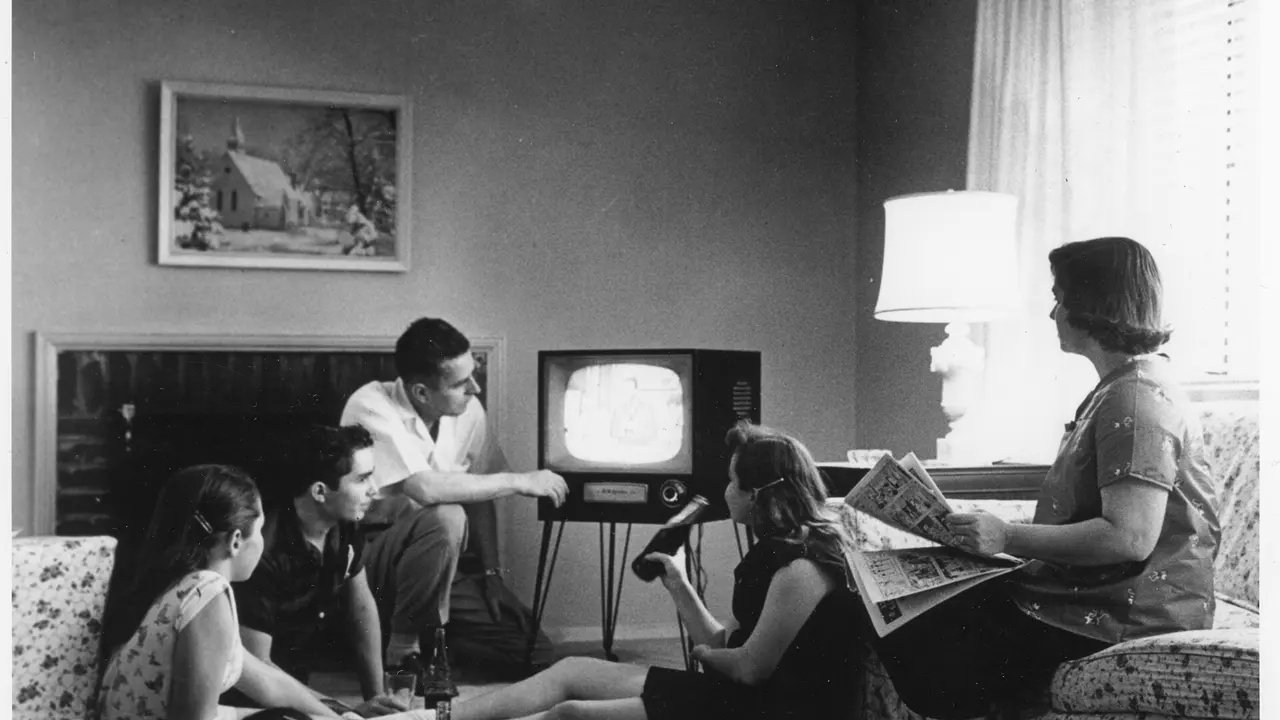
When a phone or tablet is shared with children, an entertainment app stops being a personal tool and becomes part of the family routine. Parents usually want two things at once: easy browsing for adults, and sensible guardrails for younger viewers.
Age ratings, genre labels, and title details inside the app are the starting point, but they work best alongside device level habits such as supervised browsing, shared favorites, and clear rules about what gets watched and when.
This guide explains how to read the signals the app already provides, how to set up a shared device sensibly, and how to handle ads and purchases conversations before they become problems.
For the complete homepage guide, visit the complete Dulo TV guide.
Start With Age Ratings
Every title carries an age rating for a reason, and it is the fastest family check available. Before a child watches anything, open the detail page, read the rating, and glance at the genre and description for themes the rating alone does not explain.
Ratings vary in strictness between regions and providers, so treat them as a strong guide rather than a guarantee. A quick trailer preview by an adult settles most borderline cases in under a minute.
Start the setup before the first shared session, not after the first incident. Ratings, favorites, and device rules arranged calmly in advance feel like house policy; the same rules invented mid argument feel like punishment, and children can tell the difference instantly. Dulo TV keeps the whole routine in one place, so none of these steps sends you hunting through other apps.
Build a Family Favorites List
The favorites feature doubles as a simple approval system. Parents can browse ahead, save suitable movies and shows to favorites, and let children choose from that pre checked list instead of the whole catalogue.
Review the list together once a week. Removing titles a child has outgrown and adding new ones keeps the list useful and turns selection into a shared activity rather than a negotiation.
The favorites list also gives parents a review habit almost for free: adding a title takes seconds, and the weekly tidy doubles as a quiet audit of what the household has been watching, which is the information supervision actually needs. That is the side of Dulo TV most viewers end up valuing most.
- Browse new titles before your child does
- Save approved movies and shows to favorites
- Let children choose from the saved list
- Review and refresh the list weekly
Ads and Children
The app contains ads, and ad content is chosen by ad networks rather than by the app itself. Children should know that ads are not part of the show, that tapping them can leave the app, and that any purchase prompt needs an adult.
Sit through the first few sessions with a new viewer. Seeing which ads appear and how often they interrupt makes it much easier to decide whether the app suits your household rules.
Advertising deserves its own short family briefing, separate from any incident. Children who can say what an ad is, why it appears in Dulo TV, and what never to tap are protected in every free app they will ever use, not only this one.
For a full explanation of advertising in the app, read Dulo TV Ads Explained.
Talking About Content Choices
Guardrails work better when children understand them. Explain that ratings exist because some stories include violence, language, or themes made for older viewers, and that favorites are the family shortlist everyone agreed on.
When a child asks for a title outside the list, treat it as a review request rather than a refusal. Check the rating and trailer together and decide on evidence, not on the poster.
Conversations land better as curiosity than as lectures. Ask what a show is about, who the favourite character is, and what happens next. You will learn more about suitability from a child's own summary than from any label, and the habit keeps the door open as tastes mature.
Privacy for Young Viewers
Children should never enter personal details into any entertainment app. Names, school information, photos, and contact details do not belong in profiles, comments, or support forms.
Parents should also review which permissions the app holds on a shared device and remove anything that is not needed for normal browsing and playback.
Privacy rules deserve the same plain treatment as road safety: personal details stay offline, full stop. Agree the rule once, repeat it without drama when it matters, and review the app's permissions together whenever a new device enters the house.
For the full privacy picture, see Dulo TV Data Safety and Privacy Guide.
Family Safety Summary
There is no single switch that makes any entertainment app family safe. Ratings, a curated favorites list, shared device habits, and short conversations about ads and privacy together do the job reliably.
Set the routine up once, review it monthly, and the app becomes a predictable part of family viewing rather than a source of surprises.
Families who run this system for a month report the same side effect: choosing what to watch gets faster, because the favorites shelf has silently become the family's shared taste, curated by the people who actually watch together.
Frequently Asked Questions
Does Dulo TV have a dedicated kids mode?
Family safety mainly comes from age ratings, the favorites list, and device level supervision. Use ratings to pre check titles and save approved ones to favorites for children to choose from. That is how Dulo TV handles it today.
How do I stop children tapping ads?
Explain that ads are separate from shows and that purchase prompts need an adult. Supervise early sessions, and keep payment methods protected at device level with a PIN or fingerprint lock. Everything above reflects Dulo TV in its current form.
Where can I check if a title suits my child?
Open the title detail page and check the age rating, genre, and description. Watching the trailer yourself first settles most borderline cases quickly. In Dulo TV, that is the whole of it.




Share this page